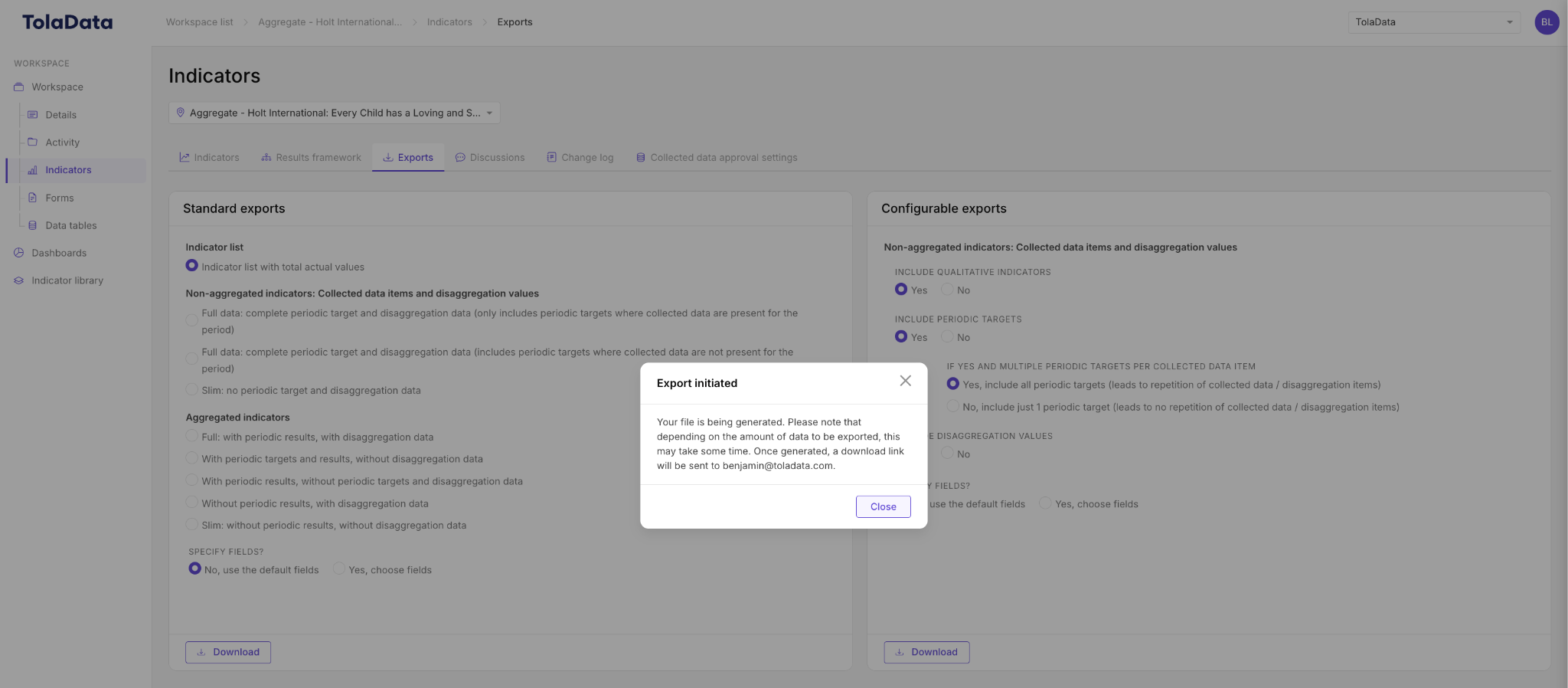
The workspace Exports tab generates fully formatted reports filled with live indicator results.
Generate a report
- Open your workspace and go to the Exports tab.
- Select a report template and the reporting period.
- Complete any narrative fields and choose the indicators to include.
- Export to Word (DOCX) or PDF.
Track your reports
Each generated report appears in a report list showing its template, reporting period, generation date and status (for example Completed or Failed).
Schedule recurring reports
Under Scheduled Exports, set reports to regenerate automatically on a recurring basis. Scheduled reports can be stored in the platform or sent directly to an email address.
Related: Creating Report Templates, Formatting Exported Data