Multi-factor authentication (MFA) increases account security by asking users to verify their identity with an extra authentication factor when they log in. Org Admins configure it in the Admin Console under User authentication.
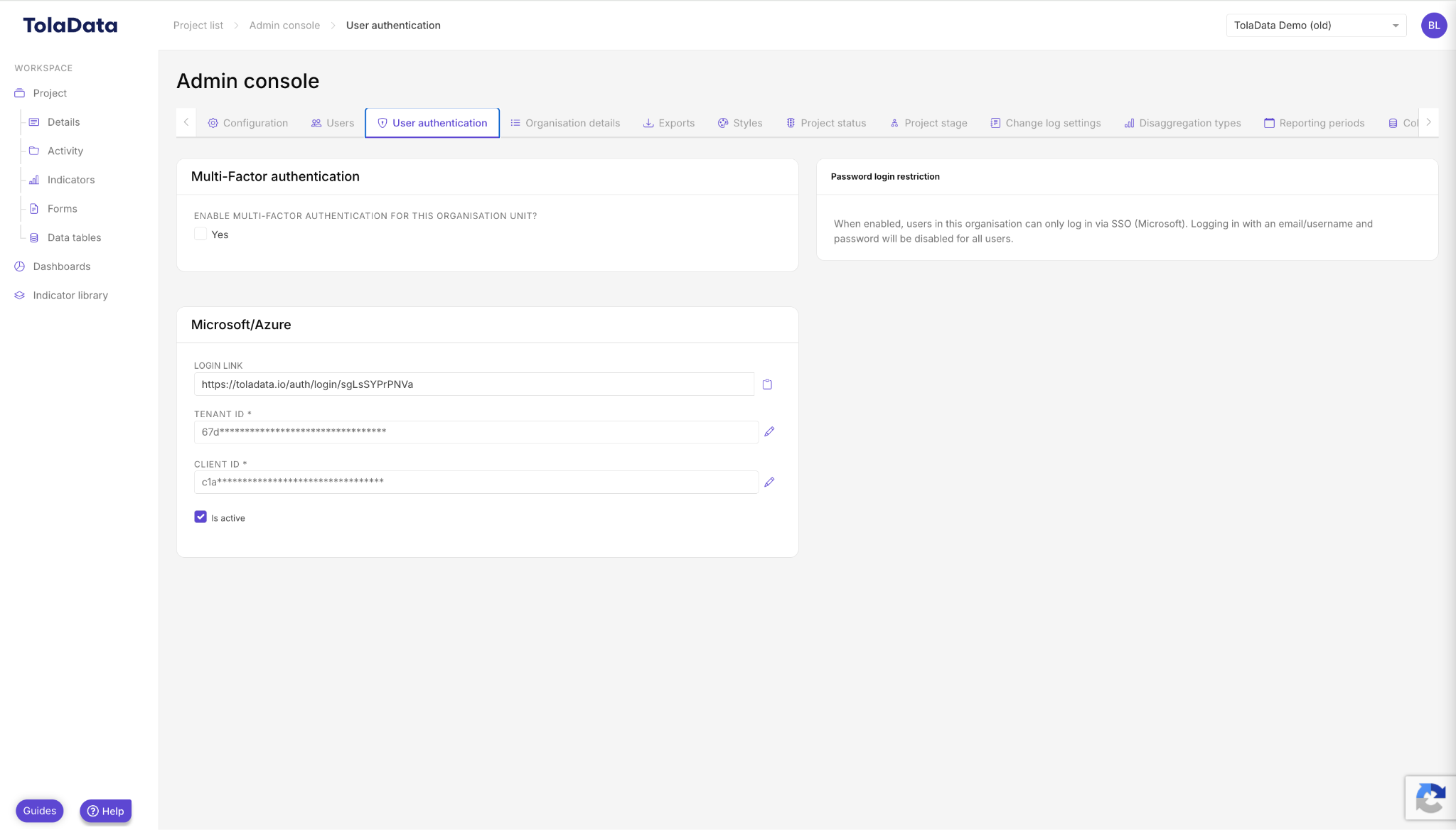
Settings
- Mandatory or optional: require MFA for all users, or let users choose.
- Authenticator apps: recommend and choose from supported apps, including Microsoft, Google and LastPass authenticators.
- Frequency: require verification at every login, after a set number of logins, or after a set number of days.
- Microsoft Azure Active Directory (optional): configure MFA using your organisation’s Azure credentials.
For user set-up and troubleshooting, see Login and account set up.