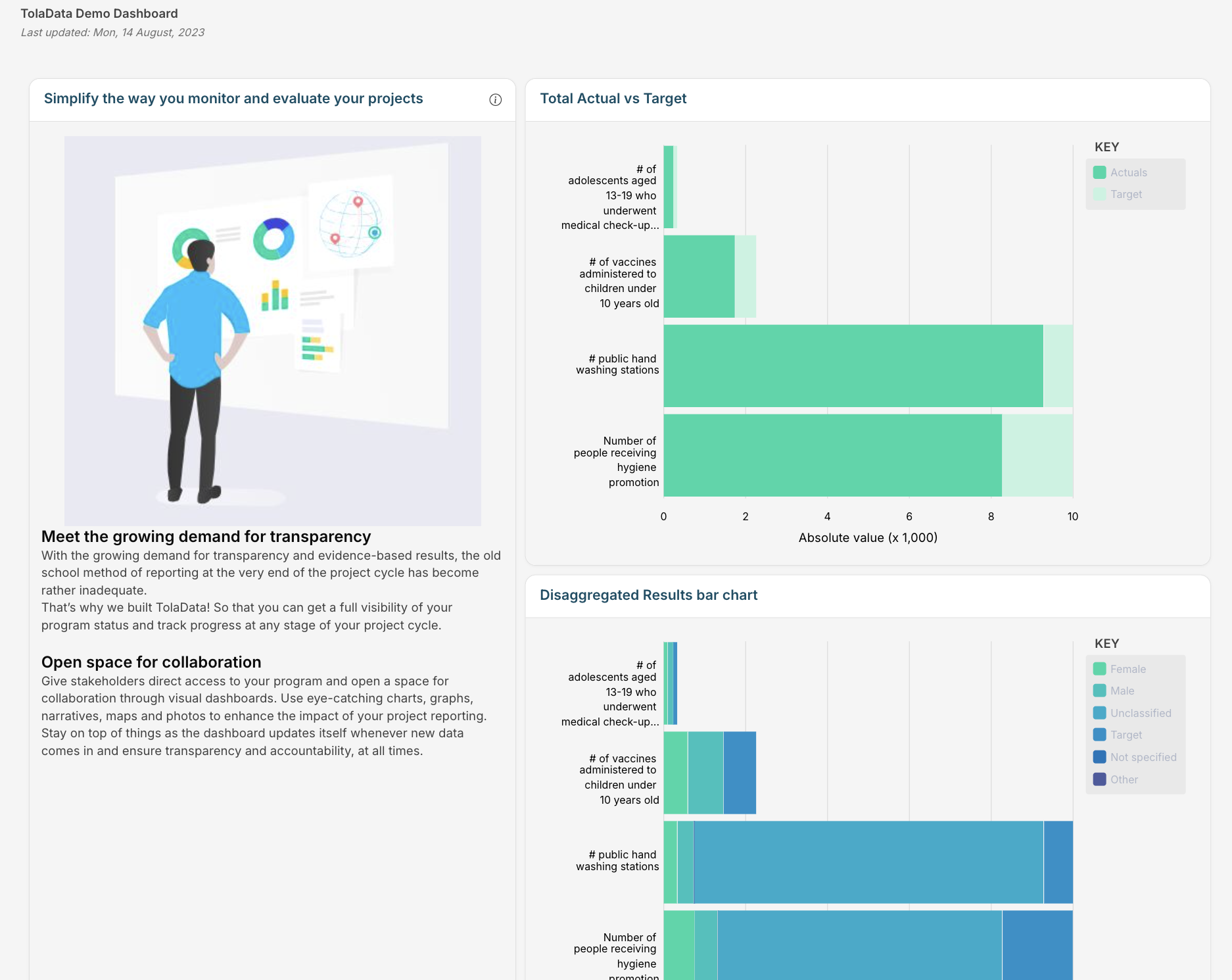
Dashboards let you create a live digital report of your workspaces and results.
Add widgets that show your results in a range of charts, for individual workspace indicators or aggregated cross-workspace results. Add text, images and links to give narrative and context. Dashboards show live results and update automatically whenever indicator results change. You can create unlimited dashboards and apply custom colour styles, for example your organisation’s or a donor’s brand colours.
Dashboards can be shared internally with team members, or externally with stakeholders through a unique, unguessable public link. No user account is needed to view a public dashboard, and you can close or reopen access at any time.
Also in this section:
- Build a Dashboard with AI: generate a first draft of charts from a short prompt
- GIS Map Widget: show results on a map using your own boundary files
- Connecting TolaData to Power BI: build your own live dashboards in Power BI
Check out an example dashboard here: TolaData example dashboard