Auto-pull lets you set up a predetermined calculation on a dataset within an indicator. Once set up, TolaData automatically pulls new results from that source, so you don’t have to re-enter collected data each reporting round.
Supported sources
- Re-imported Excel files
- TolaData forms
- Aam Digital
- KoBoToolbox
Three ways to add results
| Method | When to use it |
|---|---|
| Manual entry | Type in a result directly |
| Pull from data table | Calculate a one-off result from an imported dataset |
| Auto-pull | Keep results updated automatically from a recurring source |
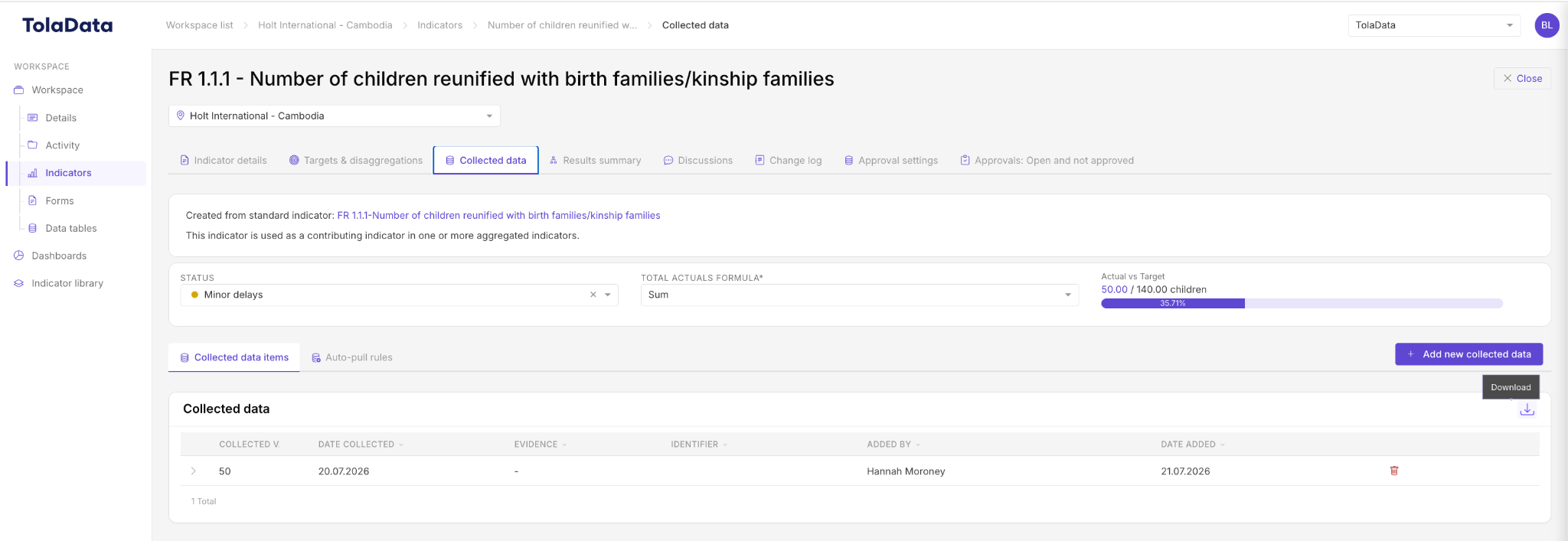
When a new result comes in, everything linked to the indicator updates in real time, including the indicator plan, dashboards and aggregated indicators.
Related: Adding Collected Data to your Indicators, Importing Data From Machine Readable Data Sources