Collected data approval workflows let you route new results to particular colleagues for approval before they count towards an indicator’s target.
How it works
- Approval workflows can be activated for indicators and organisations, using different approval levels and permissions.
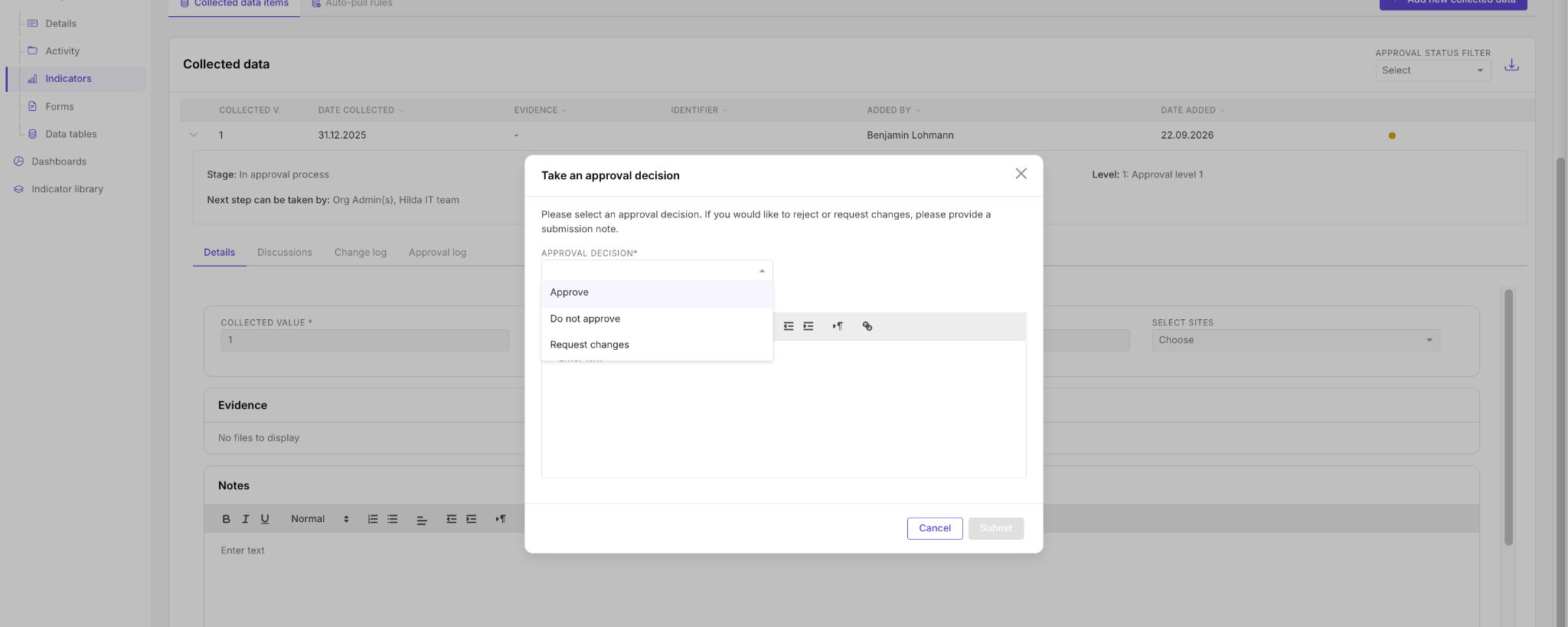
- Who can approve is set either by naming specific user(s) or by user permission level.
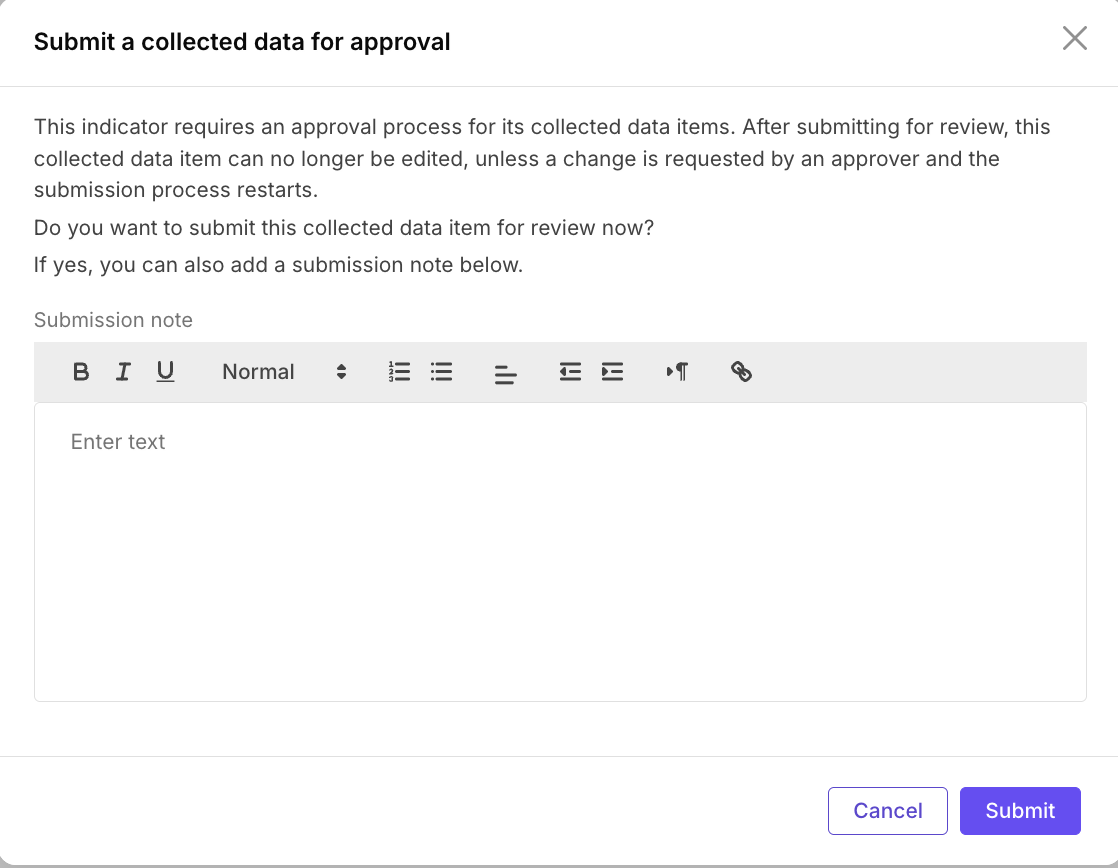
- A user submits a collected data item using Submit for approval.
- Once submitted, the item can be withdrawn, approved, rejected or returned with changes requested.
What counts towards your results
A collected data value is only included in the indicator’s actual value calculations once its approval process has been completed with an approved outcome. The approval log and status of each submission are shown on the item, giving you an auditable record.
Related: Adding Collected Data to your Indicators, Managing Approvals (activity approvals)