TolaData offers two ways to use your data in Power BI.
1. Direct API connection (live)
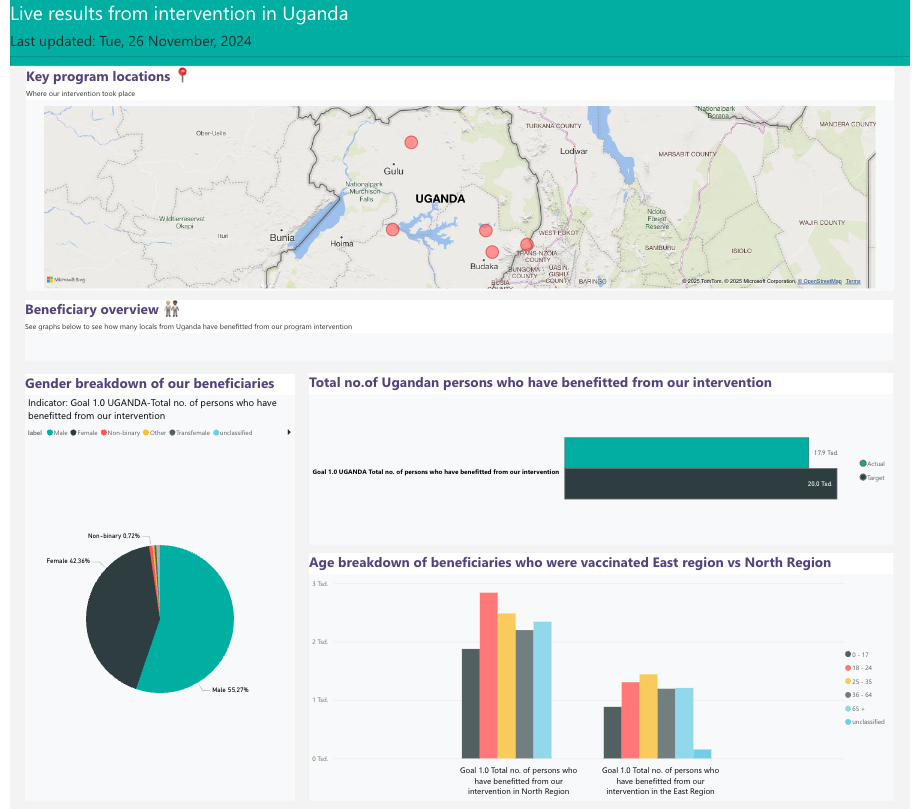
A TolaData organisational unit can be connected to Power BI directly via API. This gives you a live, automatically updating Power BI dashboard without manual exports or data preparation.
This suits complex visualisation needs. Power BI offers a broader range of visualisation and analysis options than TolaData’s built-in dashboards, including interactive charts, filters and drill-downs.
TolaData enables the connection for your organisation. You then design your own dashboards in Power BI, and our team can help if needed. To get started, contact your account manager or support@toladata.com.
2. Export to Excel
Data can also be exported to Excel and used in third-party tools such as Power BI or Tableau. See Exporting Data.