TolaData user accounts and permissions
There are two types of user account: Org Admins and Org Users.
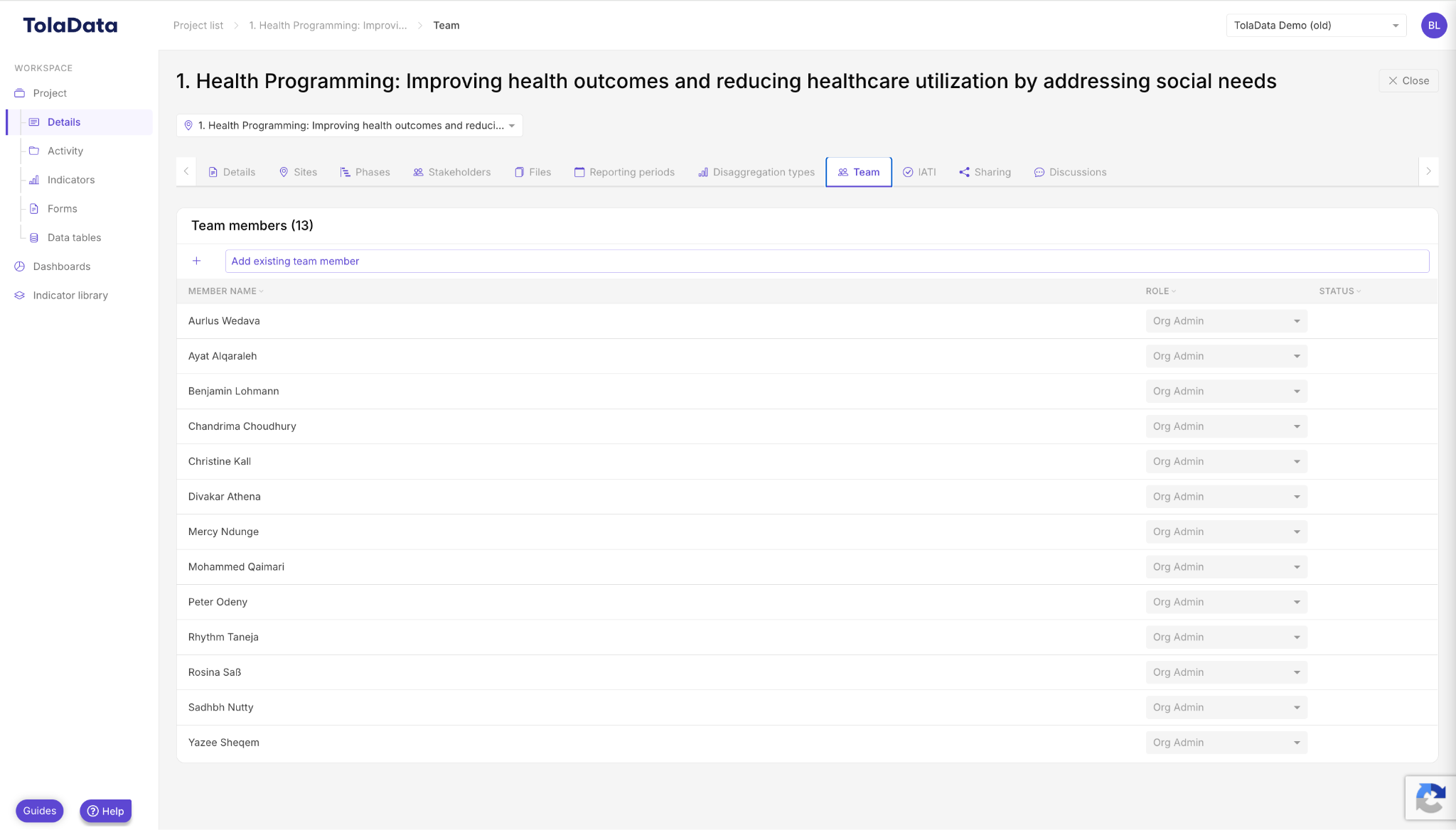
Org Admin status is automatically given to the person who creates the organisation in TolaData. There can be several Org Admins, and Org Admins can change this status for others. Org Admins have access to all workspaces and data, and also manage user accounts, organisation-wide disaggregation types and system configuration. See Admin Console Settings.
Org Users get access to each workspace by being added to its team, with one of four roles. Any Org User can create a new workspace, and the person who creates it becomes its Project Admin.
Workspace team roles
| Role | What they can do |
|---|---|
| Project Admin | Manages permissions and the set-up of the workspace structure. Has full edit rights to the workspace data, plus extra rights for data cleaning and validation. A workspace can have more than one Project Admin. |
| Edit Access | Has full edit rights to the workspace data, with some restrictions on what they can edit. Can support workspace set-up and do everything a Data Entry user can. |
| Data Entry | Can view all workspace data but can’t edit the workspace structure or data. Can input new results, import data tables, request approvals and add document links, but not do quality checks or validation (such as editing or deleting results). |
| View Only | Can view all workspace data but can’t edit or add data. |
Roles are set per workspace on its Team tab.