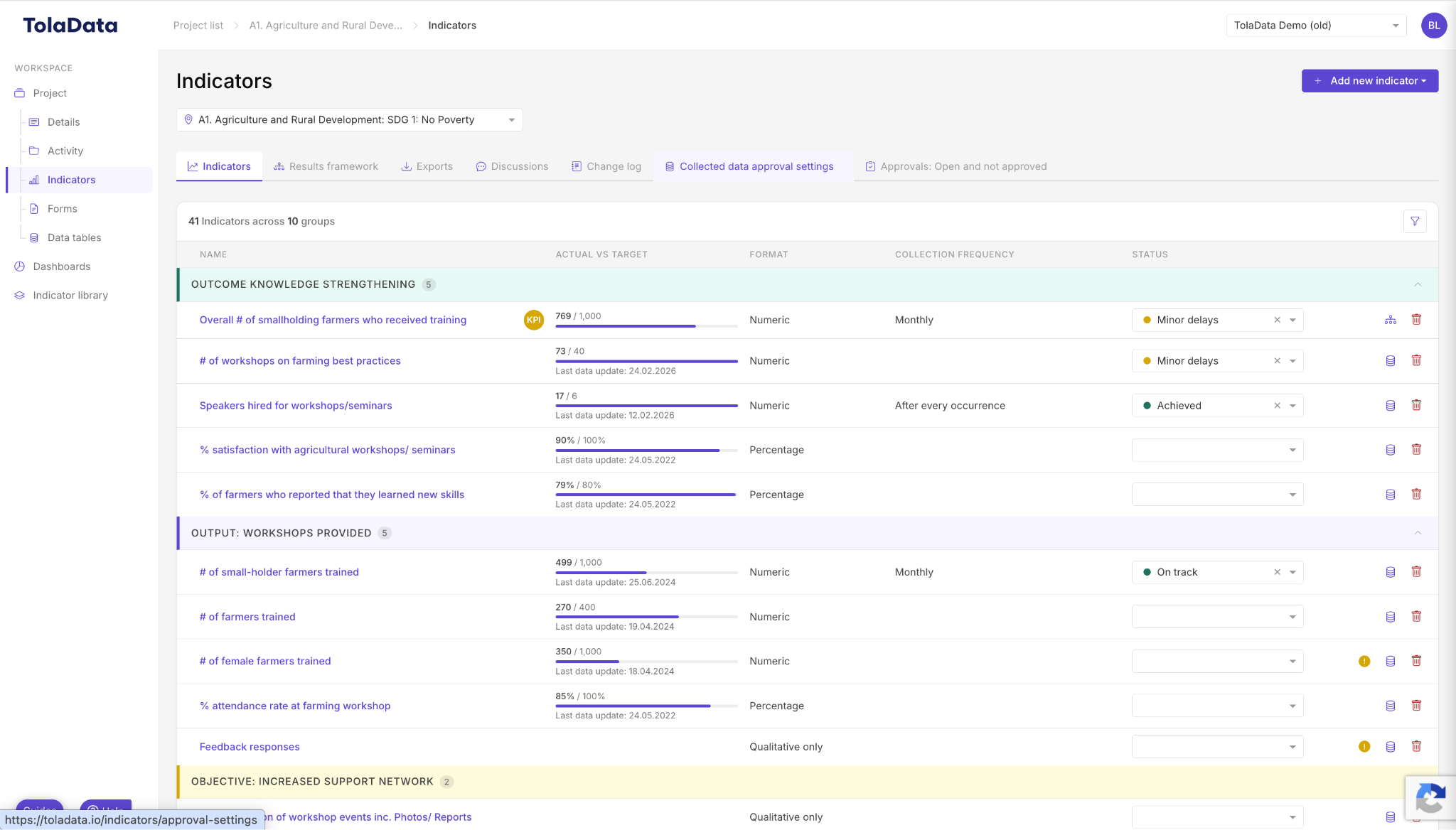
Indicators help you monitor the performance of your workspace. Open Indicators in the left-hand navigation, choose the workspace from the drop-down at the top, then click Add new indicator.
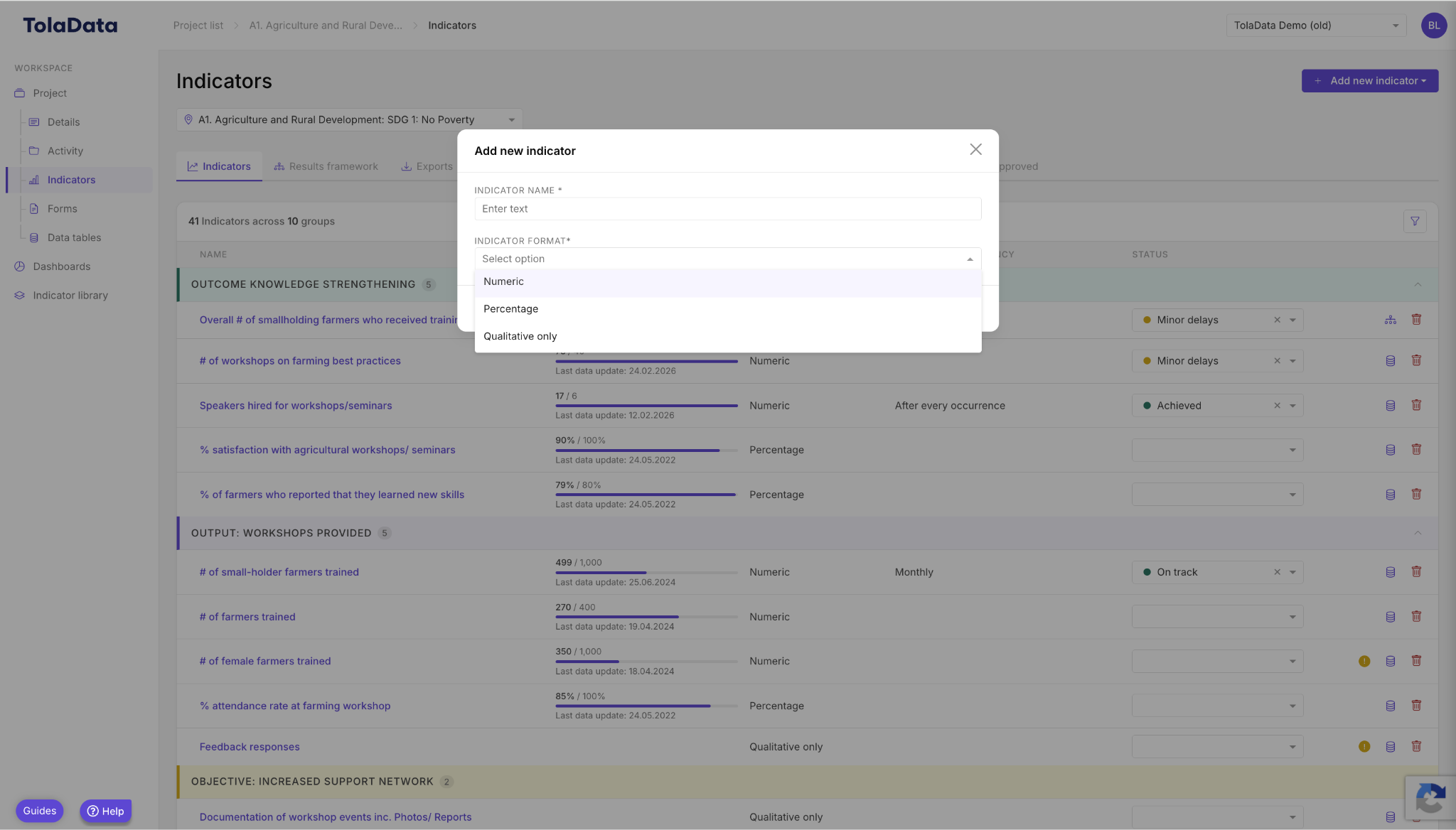
Adding an indicator only needs minimal information to start: its name and format (numeric, percentage or qualitative only). You can add targets, baselines, disaggregations and other details later by opening the indicator.
Other ways to build your indicator plan:
- Bulk import a full indicator plan from an Excel template. See Importing Indicators into TolaData.
- Reuse standard indicators from your organisation’s Indicator Library.
- Use Analyse with AI on the indicator list for a quick narrative summary of progress. See Analyse with AI.