In TolaData, each project, country package or programme component lives in its own workspace. To create one, open the Workspace list from the left-hand navigation and click Add new Workspace.
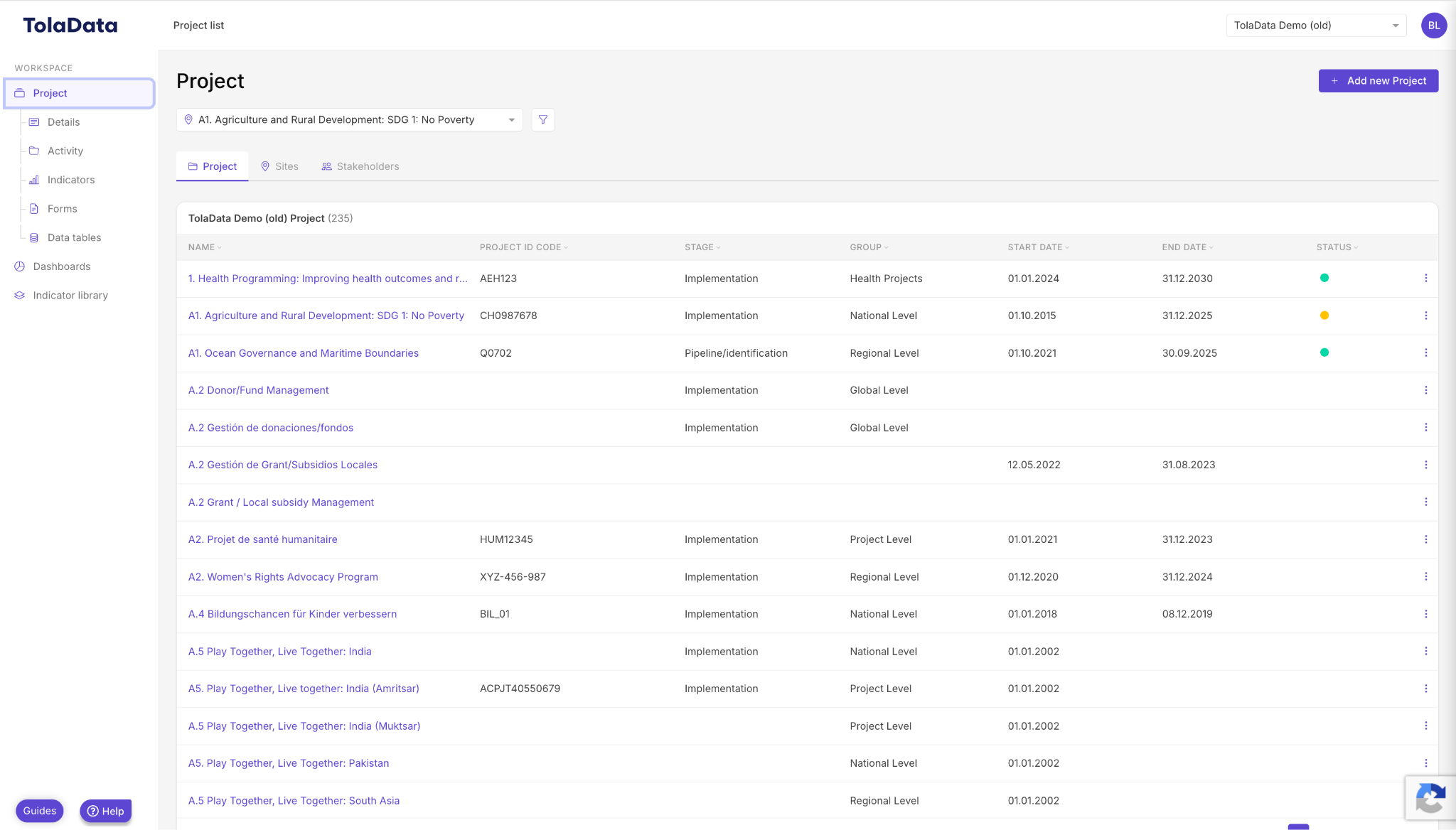
Type in the name of your workspace and its start and end date, then click Save. Your first workspace is created.
Note: this level is called “Workspace” by default, but your Org Admin can rename it, for example to “Project” or “Programme”. See Understanding Workspaces.